
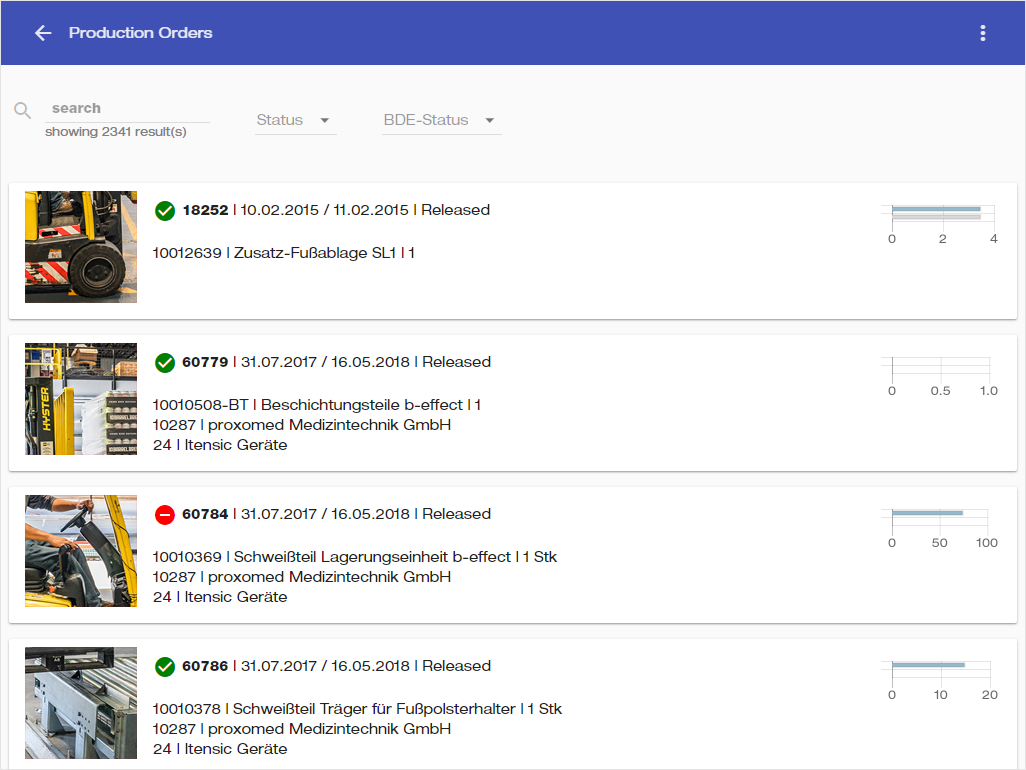
This menu allows the user to browse through all Production Orders and check their statuses.
Usage
-
Select or search for a Production Order.
-
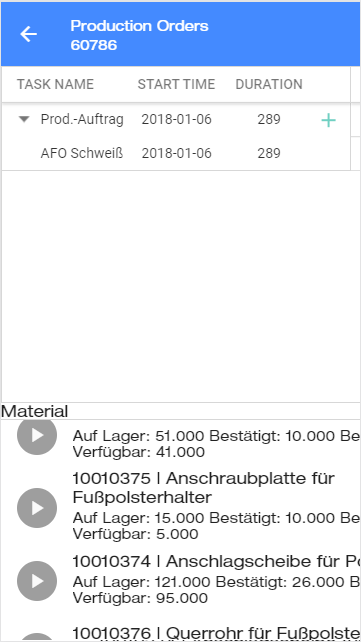
A dashboard opens, where you can browse through tasks and their durations
-
Browse through task durations in the top section.
-
Below you can select an item to see its usage through the year in the graph.
Details
-
You can filter production orders by their state -


-
The graph on the right of each production order displays the total planned time of the production versus the time that has elapsed in its production until now.