
This menu allows you to browse through avaiable resources and their use.
Usage
-
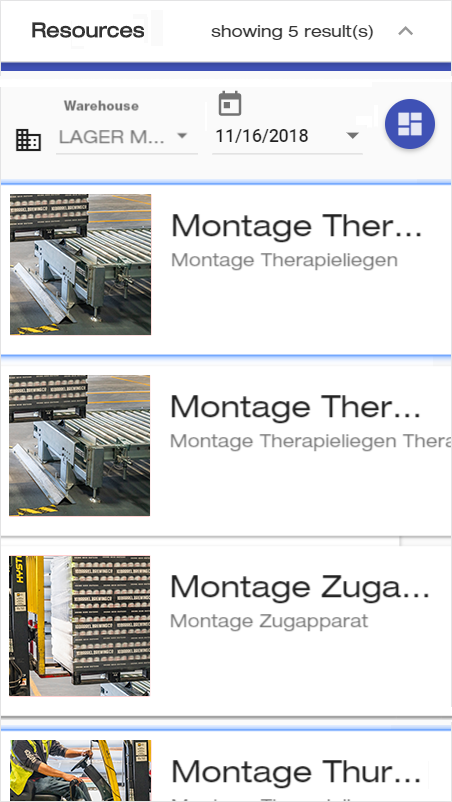
Select the warehouse whose resources you want to browse.
-
You can now see all the resources in that warehouse.
-
Select the resource(s) you want to evaluate, and press

-
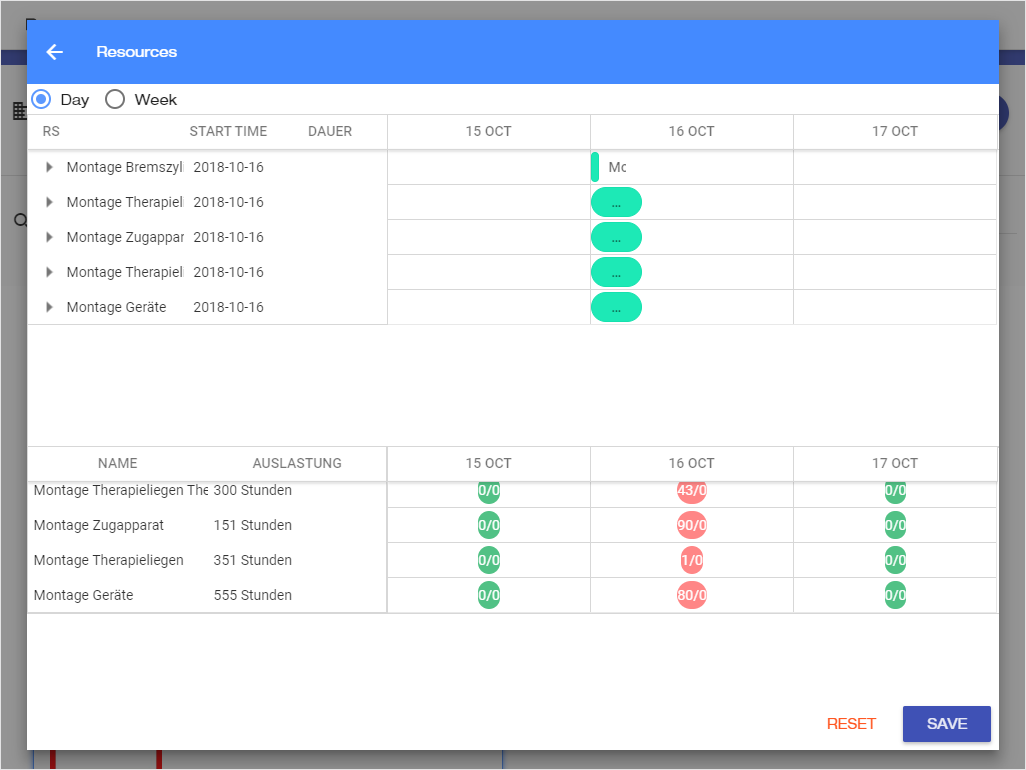
A dashboard opens containing the workload of each resource throughout the day or week.